- About us
-
Services
- Back
- Development Services
-

-
-
-
- Designing Services
-
-
-
-
- Marketing Services
-
-
-
-
- Cloud Engineering Services
-
-
-
- ERP
-
-
-
- CRM
-
-
-
- Artificial Intelligence
-

-
-
-
- MVP
-
- Industry
- Portfolio
- Career
- Contact us
-
 info[at]startdesigns.com















AI-generated baby podcast videos have taken over Instagram, YouTube, and TikTok in 2025. These funny and creative clips are everywhere, and people love sharing them to get likes, laughs, and engagement.
If you’ve been wondering how to join this trend and create your own baby podcast videos without spending money, this guide is exactly what you need. We’ll walk you through the process step by step using 100% free AI tools.
Along the way, you’ll also discover smart ways to use these videos for personal fun, social media growth, or even to boost your business presence online. The best part? You don’t need any editing or technical skills to get started.
So, let’s dive right in and explore how you can make your own trending baby podcast videos in under 5 minutes with free AI tools that are easy, fast, and beginner-friendly.
How to Create a Trending Baby Podcast Video Free?
By following the steps below, you can create trending baby podcast videos in a few easy steps! Here’s a complete step-by-step tutorial.
Step 1: Generate Baby Character Images
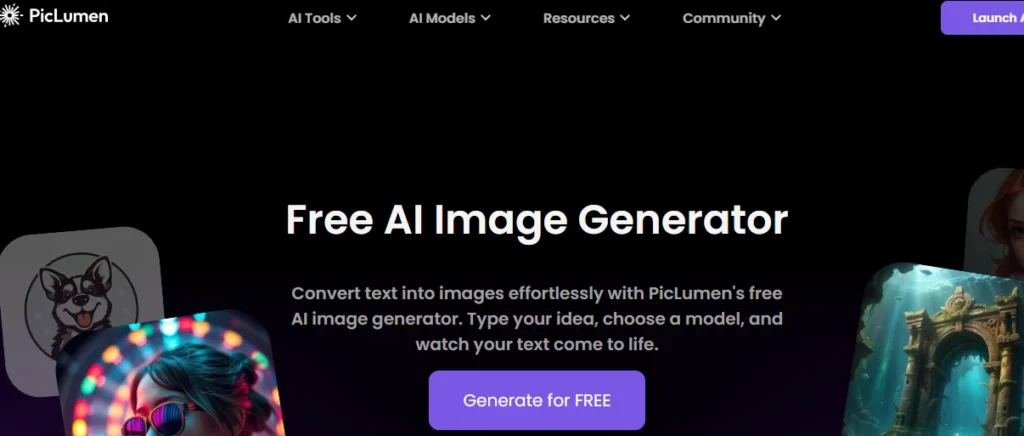
Generate baby character images using PicLumen. This is the free AI image generator you can use to create baby AI images with the help of text.
Tool: PicLumen
Type: Free AI Image Generator
Steps:
- Visit PicLumen and sign in or create a free account.
- Click on “Generate for Free” and then “Create”.
- Write a text prompt for the character you want (baby boy or girl) to create. You can use custom prompts or copy the prompt below.
“Realistic digital art of a cute baby podcast host in a cozy studio. The baby is around 8 to 12 months old with light skin, soft blonde hair, and bright blue eyes. Wearing a brown earth-toned outfit, the baby is seated at a dark wooden table. They are wearing large black studio headphones that fully cover their ears. A sleek black podcast microphone on a boom arm is in front of them, with the baby’s hands resting on the table. The background is warm and dark brown, softly lit with cinematic lighting that highlights textures—headphones, clothes, and desk surface. The baby looks slightly off-camera, curious and focused, creating a humorous contrast between the baby and the professional studio setting.” - Adjust the aspect ratio to 2:3 for a vertical video-friendly format best for Instagram and TikTok Reels or YouTube Shorts.
- You can generate two images at once (limit for free users).
- Click Generate.
- Once images are ready, download the ones you like.
PicLumen offers a clean UI, quick generations, and realistic image styles — perfect for character-based podcast visuals.
Step 2: Generate Voiceovers using ElevenLabs
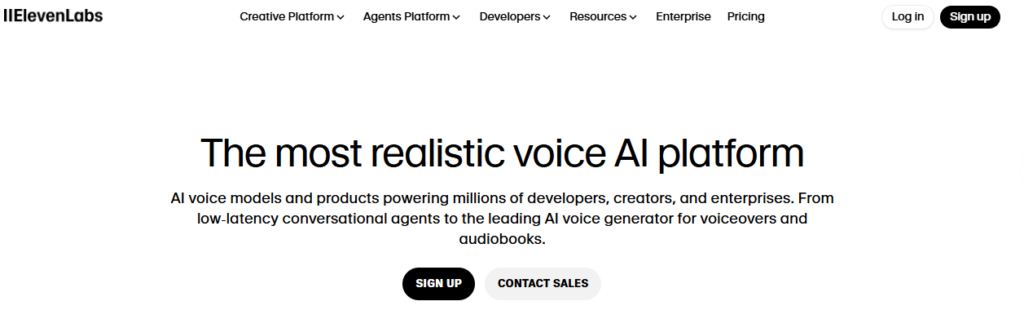
Now the second step is to generate the voiceover for the video. For this, you can use the ElevenLabs AI tool, with which you can generate voice-overs through text in multiple languages and voice tones.
ElevenLabs is the best tool for lifelike voice synthesis. Even with a free plan, you get 10,000+ characters/month to use!
Tool: ElevenLabs
Type: Free AI Text-to-Speech Generator
Steps:
- Visit ElevenLabs.io and log in with a free account.
- Click on “Text to Speech”.
- Paste or type the script for the voiceover.
- From the voice library, select a suitable voice:
- For a baby girl: Use a sweet and playful voice.
- For baby boy: Use a natural male voice.
- Adjust settings for better output.
- Click on Generate Speech.
- Use the Download button to save the voiceover file.
Step 3: Create a Talking Video with Voice using HeyGen (previously known as HEDRA)
HeyGen is the best AI tool to make free talking photo animations with lifelike lip sync and facial expressions.
Tool: HeyGen
Type: AI Talking Avatar Video Generator
Steps:
- Go to HeyGen and create a free account.
- Click on Create Video > Start from Image.
- Upload the baby character image you downloaded from PicLumen.
- Click on Upload Audio and select the voiceover generated in ElevenLabs.
- You can create only 20-second videos with a free account. So if the file is longer, then trim the file.
- Choose a 9:16 ratio for a vertical format (best for Reels/Shorts).
- Click Generate Video and wait for processing.
- Repeat the steps for the second character (boy/girl).

Step 4: Any Video Editor
Once both videos are completed, you can create multiple clips and combine them all to make a better video.
For this, you can use the following tools.
Tools to Use:
- Adobe Premiere Pro
- Final Cut Pro
- CapCut (free alternative)
- VN Editor (Mobile)
Steps:
- Import both generated talking clips into your video editor.
- Arrange the clips like a dialogue-based podcast.
- Add background music, sound effects, or transitions as needed.
- Export the final video and upload it to YouTube, Instagram Reels, or wherever you want!
Bonus Tips:
- Add subtitles to improve engagement.
- Use CapCut or YouTube’s built-in subtitle tools.
- Keep each clip under 60 seconds for short-form platforms.
After following the steps above, you can easily create trending baby podcast videos that are 100% free.
But if you are an entrepreneur or an online business owner, you can use these trends to grow your business. Here are some of the ideas you can use.
Enhance Your Baby Podcast Videos with Trending AI Tools
You can explore new trending tools in 2025 to make your baby podcast videos even more engaging:
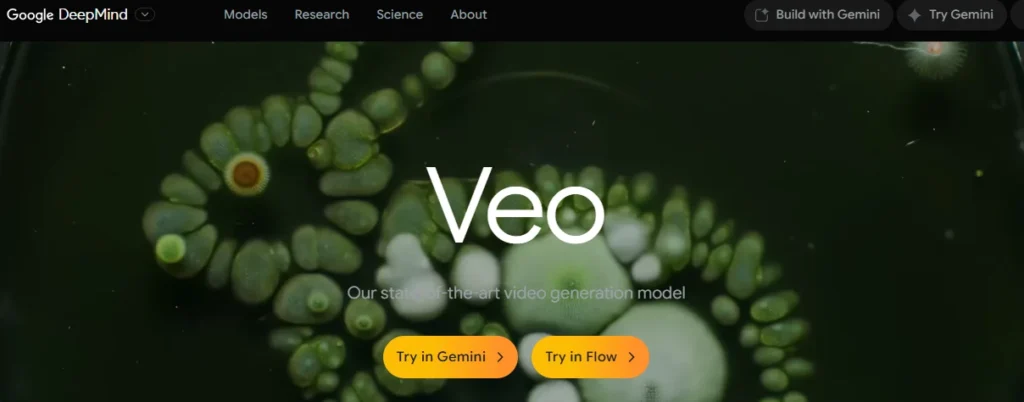
Veo 3
Quickly create 8-second cinematic clips from text prompts. Perfect for Instagram Reels and YouTube Shorts.
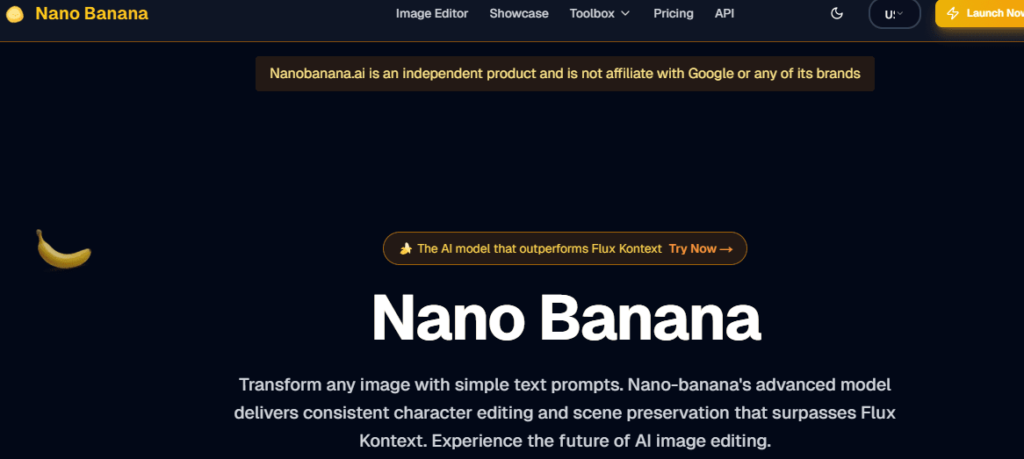
Nano Banana
Turn your baby character images into 3D animated figurines, adding a unique visual style to your videos.
Previs Pro 3
Build 3D storyboards or multi-scene animations, ideal if you want to create episodic baby podcast videos.
Tip: Using these tools, you can add dynamic visuals and storytelling elements without changing your original step-by-step guide.

How Businesses Can Use This Trend for Growth and Marketing
Businesses and marketers can leverage this content creation process in powerful ways:
1. Build a Unique Brand Identity
You can use custom AI characters with voices to represent your brand mascot or persona (like a baby character or animated spokesperson). It makes your content stand out.
2. Create Viral Social Media Content
You can create viral posts of these entertaining podcast-style videos as Reels or Shorts. Humorous, informative, or emotional content boosts engagement.
3. Use for Product Demos
You can create viral reels that explain your product or service in a fun, narrative way through animated characters instead of traditional, boring presentations.
4. Nurture Audience with Storytelling
You can create a series of such videos as episodes—e.g., Baby Podcast Ep 1, Ep 2, etc., and build a follower base over time. Use it to share behind-the-scenes, educational tips, or customer stories.
5. Save on Content Creation Costs
With these free AI tools, you can reduce the cost of hiring designers, voiceover artists, and animators—making content creation accessible for startups and small businesses.
All screenshots used in this article are for illustrative purposes only. All images and logos remain the property of their respective AI tool developers or agencies.
Conclusion
Creating trending baby podcast videos in 2025 has never been easier. With the free AI tools we covered—PicLumen, ElevenLabs, HeyGen, and the latest trending options like Veo 3, Nano Banana, and Previs Pro 3—you can produce fun, engaging, and shareable videos in just a few minutes.
Whether you’re making content for personal fun, growing your social media presence, or boosting your business, these steps give you everything you need to get started without any prior technical skills.
Pro Tip: Keep experimenting, add subtitles, use short clips, and encourage your audience to engage. The more you create, the better your videos and reach will become.
Now it’s your turn! Try these free tools today, create your first baby podcast video, and share it with your community.
About the author



Popular Posts

The Importance of Cybersecurity in the Security of Customer Data
March 13, 2026- 5 Min Read