- About us
-
Services
- Back
- Development Services
-

-
-
-
- Designing Services
-
-
-
-
- Marketing Services
-
-
-
-
- Cloud Engineering Services
-
-
-
- ERP
-
-
-
- CRM
-
-
-
- Artificial Intelligence
-

-
-
-
- MVP
-
- Industry
- Portfolio
- Career
- Contact us
-
 info[at]startdesigns.com















In 2026, web design has never been more accessible. Whether you’re a freelancer, startup founder, or someone just starting, the right free web design tools can help you create stunning websites without spending a dime. From UI/UX design to prototyping and drag-and-drop builders, there are countless options to kickstart your web projects.
In this guide, we’ll explore the best free web design tools for 2026, how to choose the right ones, and tips to maximize their potential for your projects.
Why Use Free Web Design Tools?
Using free tools for web designers and developers is a smart choice for beginners and professionals alike. Here’s why:
- Cost-Effective – Paid tools can be expensive, especially if you’re a freelancer or running a startup. Free web design tools give you access to professional features without spending money. Beginner-Friendly – Many free tools are designed for easy use, so even design tools for beginners are available with prebuilt templates and drag-and-drop functionality.
- Fast Prototyping – Free tools often allow quick mockups and prototyping, which helps test ideas and speed up the workflow.
- Collaboration – Tools like Figma and Canva allow teams to work together seamlessly, even on a free plan.
Overall, free web design tools give you the freedom to experiment, learn, and create high-quality designs without financial pressure.
Top Free Web Design Tools for 2026
Here’s a curated list of the best free tools for website design that every designer should know in 2026. We’ve included features, pros, and ideal use cases for each tool.
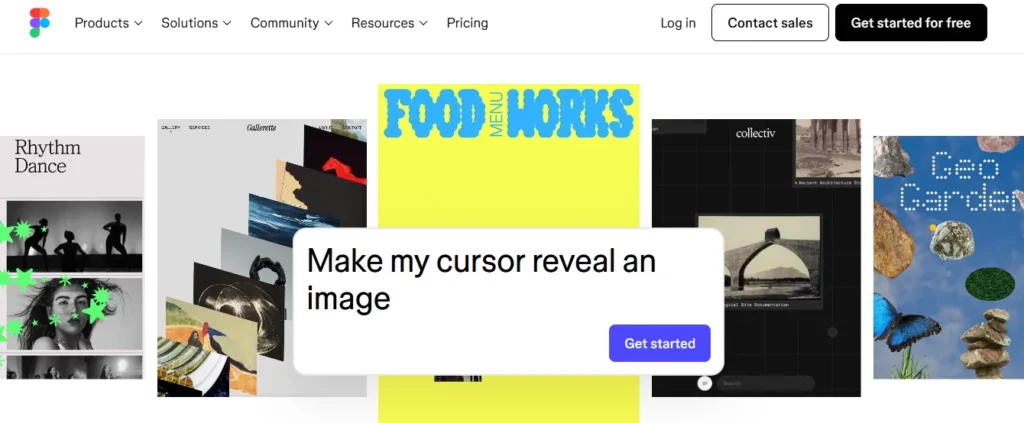
#1. Figma
Figma has emerged as one of the most popular free web design tools for UI/UX designers. Its collaborative interface makes it ideal for teams and beginners alike.
Key Features:
- Cloud-based design tool accessible from any browser
- Vector graphics and prototyping capabilities
- Real-time collaboration with team members
- Free plan includes unlimited drafts and three projects
Pros:
- Excellent for collaboration
- Cross-platform support
- Extensive free resources and templates
Cons:
- Advanced features are paid
- May have a learning curve for complete beginners
Figma is perfect for UI/UX designers, web developers, and startups looking for a professional, free design tool.
#2. Canva
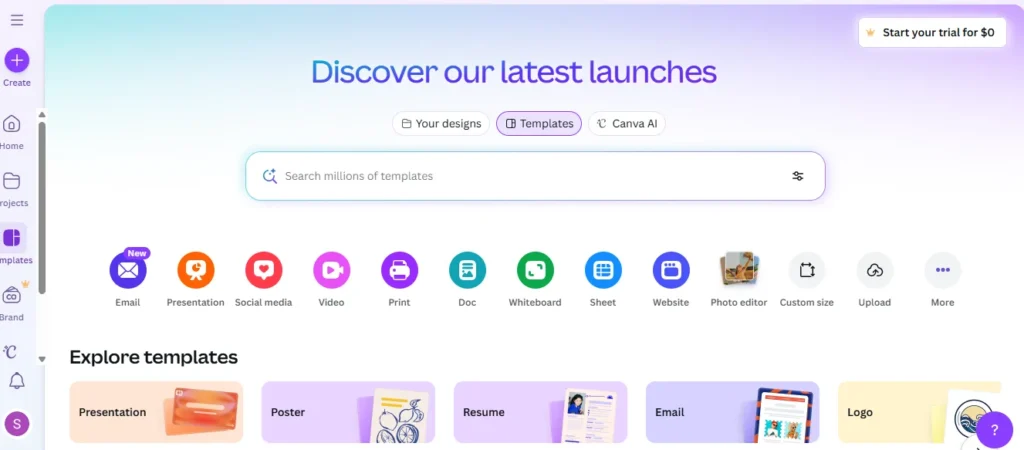
Canva is a versatile online web design tool free to use, perfect for beginners and non-designers. It’s ideal for creating landing pages, social media graphics, and even simple website layouts.
Key Features:
- Drag-and-drop interface
- Thousands of free templates and elements
- Free images, icons, and illustrations
- Supports web and mobile design
Pros:
- Extremely beginner-friendly
- Fast design creation
- No installation required
Cons:
- Limited advanced design features
- Collaboration features are limited on the free plan
Canva is an excellent choice for design tools for beginners, free, especially for marketing materials, landing pages, and prototyping ideas.
#3. Adobe XD (Free Version)
Adobe XD is a professional UI/UX design tool that now offers a free starter plan. It’s perfect for designers who want to create interactive prototypes and high-fidelity designs.
Key Features:
- Vector-based design and prototyping
- Interactive design features for apps and websites
- Integration with Adobe Creative Cloud
- Free starter plan with one active shared document
Pros:
- High-quality UI/UX design features
- Professional-grade prototyping
- Adobe ecosystem integration
Cons:
- The free version is limited
- Some features require a paid plan
Adobe XD is ideal for web designers and developers in 2026 who want to experiment with UI/UX design tools without paying up front.
#4. Sketch (Free Trial / Limited Free Tools)
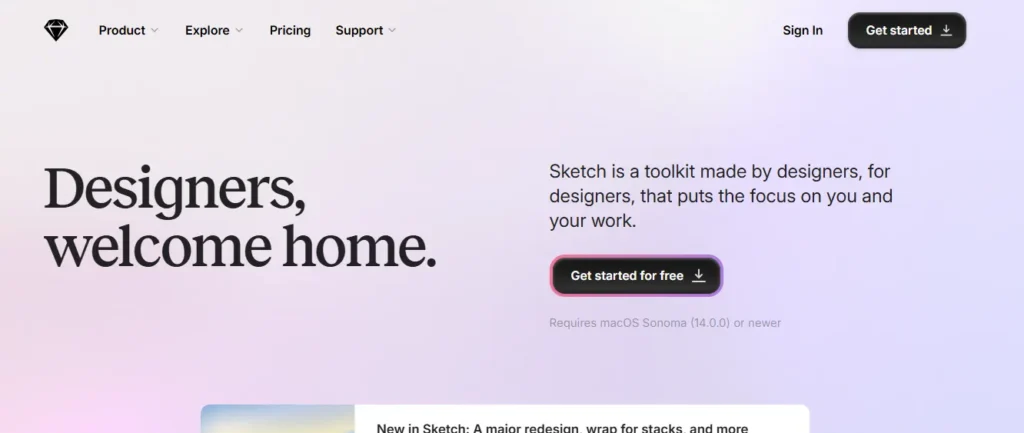
Sketch is a powerful macOS-only design tool. While the free version is limited to a trial, it’s still a great free web design tool for learning and prototyping.
Key Features:
- Vector editing and prototyping
- Extensive plugin ecosystem
- Collaborative features through cloud sharing
Pros:
- Industry-standard for macOS designers
- Easy-to-use interface
- Great for web and app design
Cons:
- Only available for macOS
- Free access is limited
Sketch is suitable for designers looking to experiment with professional web design software before investing in paid tools.
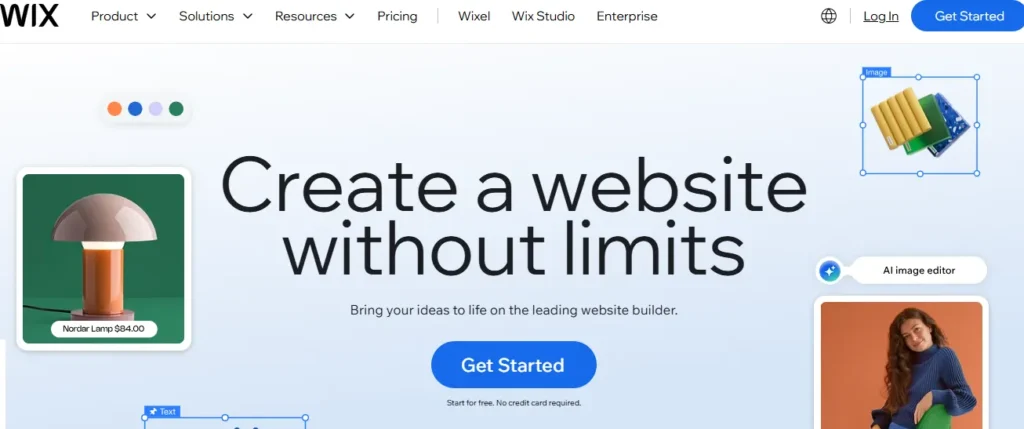
#5. Wix / WordPress Free Tools
Wix and WordPress offer drag-and-drop website builders with free tools that make it simple to design professional-looking websites without coding.
Key Features:
- Prebuilt templates for various niches
- Drag-and-drop editors for easy customization
- Free hosting options available
Pros:
- Quick setup for small websites
- Beginner-friendly
- Wide range of templates
Cons:
- Branding may appear in free versions
- Limited customization on the free plan
Perfect for beginners and small businesses, Wix and WordPress’s free tools allow users to create websites quickly without prior design experience.
#6. Additional Free Tools
Here are some more free online web design tools that can enhance your workflow:
- Vectr: Vector graphics design, easy for beginners
- Gravit Designer: Full-featured vector design tool with cloud storage
- Lunacy: Free design software with Figma compatibility
- Mockplus: Simple prototyping tool for web designers
How to Choose the Right Free Web Design Tool
Choosing the best free tools for website design can be confusing. Here are some tips to pick the right one:
- Skill Level – Beginners should start with Canva or Wix, while advanced users can try Figma or Adobe XD.
- Project Type – Decide if you need UI/UX design, website building, or prototyping.
- Collaboration Needs – If you work in a team, tools like Figma are ideal.
- Features vs. Limitations – Free versions often have restrictions. Choose tools that match your workflow.
Tips to Maximize Free Web Design Tools
Even free tools for web designers in 2026 have limitations. Here’s how to get the most out of them:
- Combine Tools: Use Canva for graphics, Figma for UI, and WordPress for website building.
- Use Templates & Plugins: Save time and enhance your designs with ready-made templates.
- Learn from Tutorials: Free tools have huge online communities and tutorials to help you learn fast.
- Experiment: Don’t be afraid to try multiple tools to find the workflow that works best.
Conclusion
The best free web design tools for 2026 allow anyone to create stunning websites without paying for expensive software. From Figma and Canva to Adobe XD and Wix, there are plenty of options for beginners and professionals alike.
Whether you’re designing UI/UX layouts, building a drag-and-drop website, or prototyping your next big idea, these free tools provide everything you need to succeed.
Start exploring these free web design tools today and bring your website ideas to life!
Disclaimer:
All screenshots, logos, and images of tools mentioned in this article (such as Figma, Canva, Adobe XD, Wix, and others) are the property of their respective owners. This article is intended for educational and informational purposes only, including reviews and guidance on web design tools. No copyright infringement is intended, and StartDesigns is not affiliated with any of the mentioned companies.
About the author


Popular Posts
Astrology Website Design and Development: Examples & Best Practices
March 3, 2026- 6 Min Read