

- About us
-
Services
- Back
- Development Services
-

-
-
-
- Designing Services
-
-
-
-
- Marketing Services
-
-
-
-
- Cloud Engineering Services
-
-
-
- ERP
-
-
-
- CRM
-
-
-
- Artificial Intelligence
-

-
-
-
- MVP
-
- Open Source Business
-
- Industry
- Portfolio
- Career
- Contact us
-
 info[at]startdesigns.com















Webflow in 2026
Webflow in 2026 is more than a visual website builder. It has become a practical platform for businesses that want faster website launches, flexible content management, strong design control, and easier collaboration between design, marketing, and development teams.
Instead of treating a website as a one-time project, businesses now need websites that can grow with content, campaigns, SEO, landing pages, integrations, and changing user behaviour. This is where Webflow becomes useful for startups, SaaS companies, agencies, service businesses, and marketing teams.
This guide explains the key Webflow trends in 2026 and how businesses can plan future-ready websites using Webflow.
Why Webflow matters in 2026
In 2026, websites are expected to be fast, responsive, SEO-friendly, easy to update, and visually polished. Businesses do not want to wait weeks for every small content or landing page change.
Webflow helps solve this problem by giving teams a platform where design, CMS, hosting, SEO settings, and publishing tools work together.
For businesses, this means:
- Faster website launches
- Easier landing page creation
- Better control over design and layout
- Flexible CMS-driven content
- Easier updates for marketing teams
- Less dependency on developers for small changes
- Cleaner workflows between design and content teams
Webflow is especially useful for marketing websites, SaaS websites, business websites, portfolio sites, resource hubs, landing pages, and CMS-based websites.
For a basic explanation of the platform, you can read our guide on Webflow development.
AI-assisted website design
One of the biggest web design trends in 2026 is the use of AI-assisted workflows. AI is not replacing designers or developers, but it is helping teams work faster during research, content planning, wireframing, layout ideas, image direction, and website optimisation.
For Webflow projects, AI can help with:
- Page structure ideas
- Landing page copy drafts
- SEO title and meta ideas
- Content outlines
- Design inspiration
- UX suggestions
- Faster campaign planning
- Image and visual direction
The best results still come from combining AI with human strategy. A website needs brand understanding, user intent, conversion planning, technical setup, and strong design judgement.
In 2026, businesses should use AI as a support tool, not as a replacement for proper website planning.
CMS-driven websites and content workflows
A strong CMS setup is one of the most important parts of a future-ready Webflow website.
Businesses are no longer building only static brochure websites. They need blogs, case studies, services, locations, industry pages, resources, team pages, and landing pages that can be updated regularly.
Webflow CMS helps teams create structured content collections, such as:
- Blog posts
- Case studies
- Services
- Team members
- Locations
- Testimonials
- Resources
- Industries
- Portfolio projects
A well-planned CMS makes the website easier to scale. Instead of designing every page manually, teams can use CMS templates to create consistent layouts and publish new content faster.
In 2026, businesses should plan CMS structure before design starts. This helps avoid messy content management later.
Webflow SEO planning in 2026
Webflow can be a strong platform for SEO, but rankings depend on planning and execution. Just using Webflow does not automatically make a website rank.
A future-ready Webflow website should include:
- Clear keyword mapping
- SEO-friendly URLs
- Proper H1, H2, and H3 structure
- Unique title tags and meta descriptions
- Internal linking between related pages
- Optimised images with alt text
- Fast-loading pages
- Mobile-friendly layouts
- Sitemap and indexing checks
- Redirect planning during migration
- Helpful content for users
In 2026, SEO is not only about adding keywords. Search engines reward pages that answer user intent clearly, load well, and provide useful information.
For businesses using Webflow, the best approach is to plan SEO before building the website, not after launch.
Webflow integrations for marketing teams
Modern websites are connected to many tools. A website may need analytics, lead forms, CRM integration, chat tools, email marketing, automation, booking systems, and tracking pixels.
Webflow can support many marketing workflows through forms, embeds, custom code, third-party tools, and automation platforms.
Common Webflow integrations include:
- Google Analytics
- Google Search Console
- Google Tag Manager
- HubSpot
- Mailchimp
- Zapier
- Airtable
- Calendly
- Live chat tools
- CRM and lead management tools
For marketing teams, integrations are important because the website is not just a design asset. It is a lead generation and conversion system.
In 2026, businesses should plan integrations early so forms, tracking, campaigns, and lead routing work correctly after launch.
Webflow for startups, SaaS and service businesses
Webflow is useful for businesses that need speed, flexibility, and high-quality design without building everything from scratch.
Startups
Startups can use Webflow to launch fast, test messaging, create landing pages, and update content without a large development team.
SaaS companies
SaaS companies can use Webflow for marketing sites, product pages, feature pages, comparison pages, resources, and case studies.
Service businesses
Service businesses can use Webflow to build SEO-focused service pages, location pages, landing pages, and lead generation websites.
Agencies
Agencies can use Webflow to create scalable websites for clients, manage content systems, and launch campaigns faster.
If you are planning a professional business website, explore our Webflow website development services.
Webflow limitations to consider in 2026
Webflow is powerful, but it is not the right fit for every project.
Webflow may not be ideal for:
- Complex web applications
- Advanced user dashboards
- Large custom backend systems
- Highly complex ecommerce operations
- Deep product logic
- Large-scale membership platforms without external tools
For marketing websites, CMS websites, SaaS websites, service websites, and landing pages, Webflow is often a strong choice. But for complex applications, a custom development stack may be better.
This is why businesses should choose Webflow based on the project goal, not only because it is popular.
How to plan a future-ready Webflow website
A future-ready Webflow website should be designed for growth, not just launch.
Use this planning checklist before starting a Webflow project:
- Define the main website goal
- Map your target audience
- Plan the sitemap
- Decide important SEO keywords
- Plan CMS collections before design
- Create reusable sections and components
- Keep design consistent across pages
- Plan landing pages for campaigns
- Add clear calls to action
- Set up analytics and conversion tracking
- Test the website on mobile
- Prepare a content update workflow
Good planning saves time later. It also makes the website easier to scale as the business adds more pages, content, campaigns, and services.
Webflow vs Framer in 2026
Webflow and Framer are both popular tools, but they are often used for different needs.
Webflow is usually stronger for CMS-driven websites, SEO-focused business websites, marketing pages, and scalable content structures.
Framer is often useful for fast visual websites, interactive prototypes, and design-led landing pages.
For businesses that need blogs, case studies, service pages, SEO content, and structured CMS workflows, Webflow is usually the safer long-term option.
For more detail, read our full Framer vs Webflow guide.
Should you hire Webflow experts in 2026?
You can build simple Webflow websites with templates, but professional business websites usually need better planning, structure, SEO setup, CMS architecture, and performance checks.
Hiring Webflow experts can help when you need:
- Custom website design
- Figma to Webflow development
- CMS setup
- SEO structure
- Website migration
- Advanced interactions
- Integrations
- Landing pages
- Website redesign
- Ongoing maintenance
A professional Webflow team can also help avoid common mistakes such as poor class naming, weak CMS structure, slow page speed, messy responsive layouts, and missing SEO settings.
You can also read our guide on how to hire Webflow specialists.
FAQs
Is Webflow still worth using in 2026?
Yes, Webflow is still worth using in 2026 for businesses that need custom design, CMS control, SEO flexibility, responsive layouts, and faster website updates.
What is Webflow best used for in 2026?
Webflow is best used for marketing websites, SaaS websites, business websites, landing pages, portfolio sites, blogs, case studies, and CMS-driven websites.
Is Webflow good for SEO in 2026?
Yes, Webflow can be good for SEO if the website is planned correctly. SEO success depends on keyword mapping, content quality, internal links, metadata, page speed, mobile experience, and technical setup.
Can Webflow be used for business websites?
Yes, Webflow is a strong option for business websites because it allows custom design, CMS management, landing pages, SEO setup, and easier content updates.
Is Webflow better than WordPress in 2026?
Webflow can be better for businesses that want custom design, less plugin dependency, and easier visual control. WordPress may still be better for very large content sites or projects that need specific plugin ecosystems.
Do I need a developer for Webflow?
For basic websites, you may not need a developer. For custom websites, CMS setup, SEO migration, integrations, animations, or performance optimisation, working with Webflow experts is usually better.
Conclusion
Webflow in 2026 is a strong choice for businesses that want modern design, flexible CMS workflows, SEO control, faster publishing, and easier website management.
It is not just about building a website. It is about creating a scalable digital system that can support content, campaigns, landing pages, lead generation, and long-term business growth.
If you are planning a new website or redesign, Start Designs can help you build a future-ready Webflow website with the right structure, design, SEO setup, CMS planning, and launch support.
About the author


Popular Posts
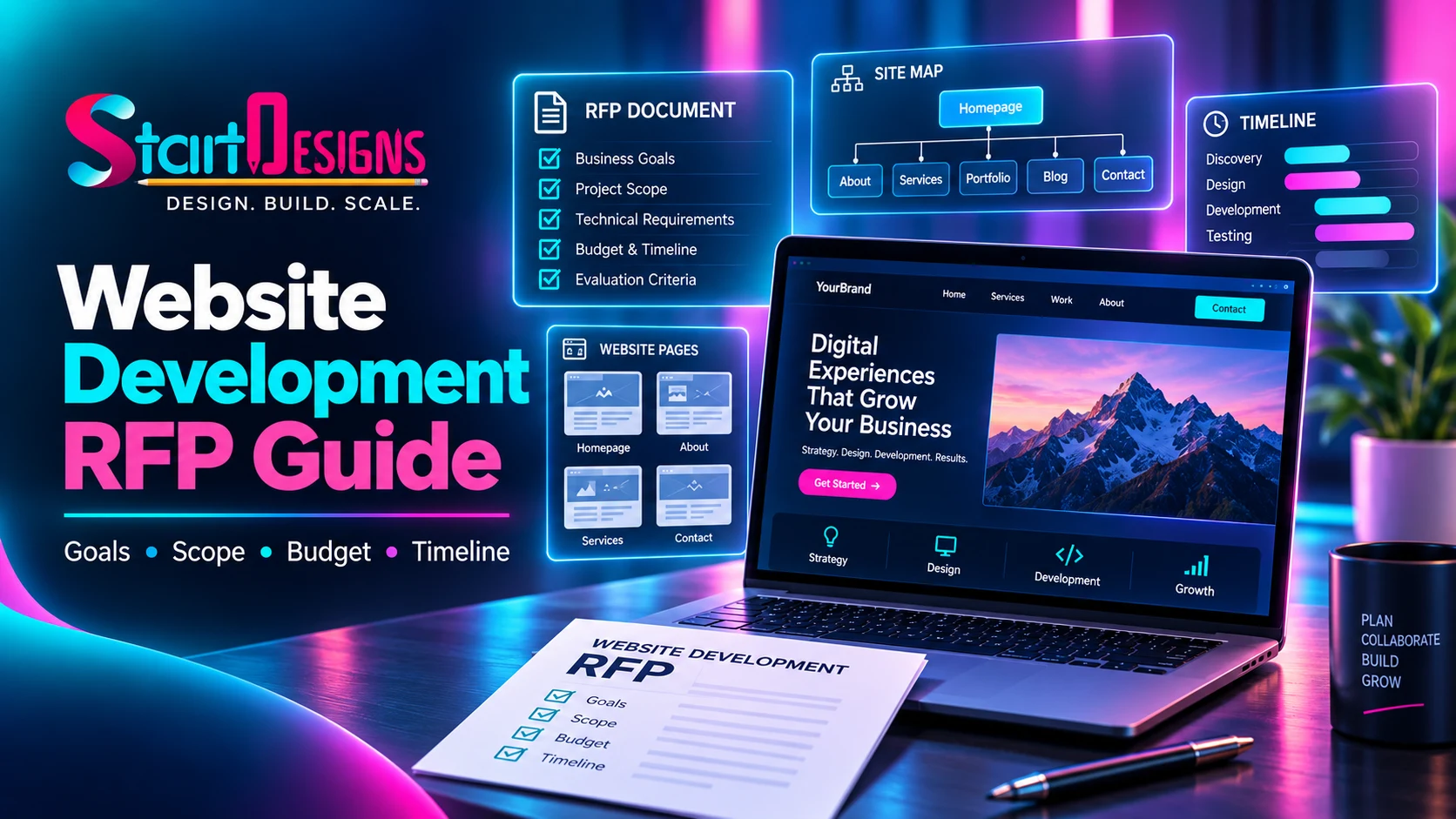
How to Write a Website Development RFP: Complete Guide & Checklist
September 19, 2026- 14 Min Read