


- About us
-
Services
- Back
- Development Services
-

-
-
-
- Designing Services
-
-
-
-
- Marketing Services
-
-
-
-
- Cloud Engineering Services
-
-
-
- ERP
-
-
-
- CRM
-
-
-
- Artificial Intelligence
-

-
-
-
- MVP
-
- Open Source Business
-
- Industry
- Portfolio
- Career
- Contact us
-
 info[at]startdesigns.com














Framer has become a strong choice for designers, agencies, startups, and marketing teams that want to move from website idea to live page faster. It helps teams design responsive pages, add interactions, manage content, and publish polished websites without a long traditional handoff process.
For website design, Framer works best when the goal is a modern marketing website, landing page, portfolio, SaaS page, agency website, campaign page, or content-driven website. This guide explains how Framer fits into a real design workflow, where Figma still helps, how to use Framer AI carefully, what to check before launch, and when expert Framer support makes sense.
Is Framer Good for Website Design?
Yes, Framer is good for website design when you need a modern, responsive, design-led website that can move from concept to launch quickly.
It works especially well for:
- Portfolio websites
- SaaS marketing pages
- Startup websites
- Agency websites
- Business landing pages
- Campaign pages
- Resource hubs
- Personal brand websites
Framer is useful because it combines visual design, responsive layouts, CMS options, animations, publishing, and site-level setup in one workflow. Designers can move closer to a live website without depending on a long design-to-development handoff.
However, Framer is not the best choice for every project. If you need complex backend logic, a large ecommerce system, a custom dashboard, or a full web application, Framer may only be suitable for the marketing website, portfolio, or landing pages, not the complete product.
What Is Framer in Website Design?
Framer is a visual website design and publishing platform used to create responsive websites, landing pages, portfolios, marketing pages, and CMS-powered content pages.
For designers, Framer feels close to modern design tools, but the final output can become a live website instead of only a static design file or prototype. This makes it useful for teams that want to design, test, publish, and improve website pages faster.
If you are new to the platform, you can also read our Framer Website Builder Guide to understand Framer’s core features, use cases, and website-building basics.
How Framer Fits Into a Website Design Workflow
A strong Framer website should not start with random layouts. It should start with clear structure, content flow, and user goals. Framer becomes more powerful when it is used as part of a proper website design workflow.
1. Define the Website Goal
Before designing anything, decide what the website needs to achieve. A portfolio website, SaaS landing page, agency website, and campaign page all need different structures.
A website may need to explain a service, present case studies, collect enquiries, promote a product, build personal brand trust, show research or design work, support paid ad campaigns, or publish blogs and resources.
When the goal is clear, every section has a purpose.
2. Plan the Page Structure
Good website design starts with structure. Before choosing visuals, plan the sitemap, main pages, navigation, hero message, CTA flow, and content priority.
For example, a SaaS website may need feature pages, pricing sections, comparison content, demo CTAs, and resource pages. A portfolio website may need selected work, case studies, process, testimonials, and contact flow.
Framer can make the website look polished, but the structure decides whether visitors can understand the website quickly.
3. Create or Import the Design Direction
Some teams design directly in Framer. Others first create the visual direction in Figma and then move the approved design into Framer.
Both workflows can work.
Designing directly in Framer is useful for fast landing pages, portfolio websites, and smaller marketing pages. Starting in Figma is useful when the team needs deeper design exploration, brand review, and approval before development.
The best workflow depends on the project complexity, team process, and how much design validation is needed before the website goes live.
4. Build Responsive Pages
A website should not only look good on a desktop screen. It should work smoothly across desktop, tablet, and mobile.
In Framer, designers and developers should check navigation behavior, hero section spacing, CTA visibility, text readability, image scaling, form usability, section stacking, button tap areas, and mobile scroll experience.
Responsive design should be planned early, not fixed at the end.
5. Add CMS Where Content Needs to Scale
Framer CMS can be useful when the website needs repeatable content such as blogs, case studies, resources, team pages, product updates, or portfolio projects.
Instead of creating every page manually, CMS collections help structure content in a consistent way. This is useful for teams that want to publish more content without rebuilding the website every time.
A clean CMS setup makes the website easier to manage after launch.
6. Add Interactions Carefully
Framer is known for smooth animations and interactions, but motion should support the user experience. It should not distract visitors or slow down the website.
Useful interactions may include subtle hover effects, smooth section transitions, clear button states, scroll-based reveals, interactive hero elements, and micro-interactions for important actions.
The goal is not to animate everything. The goal is to make the website feel polished, clear, and easy to use.
7. Prepare the Website for Launch
A Framer website is not ready just because the design looks good. Before launch, the website should be checked for content, page titles, descriptions, forms, speed, analytics, mobile experience, and links.
A proper launch review helps avoid common issues like broken CTAs, missing metadata, poor mobile spacing, slow assets, or incomplete tracking.
Figma to Framer for Website Design
Figma and Framer are often used together, but they serve different purposes.
Figma is stronger for early design exploration, wireframes, visual systems, design approval, and collaboration. Framer becomes more useful when the design needs to turn into a live, responsive website.
A common workflow looks like this:
- Plan website goals and content
- Create wireframes or visual layouts in Figma
- Review and approve the design direction
- Move the design into Framer
- Build responsive sections
- Add CMS, forms, and interactions
- Set up page titles and launch checks
- Publish and test the live website
The important point is that Figma to Framer is not just copy and paste. The design still needs responsive cleanup, section structure, CMS setup where needed, form testing, image optimization, and launch review.
If your design is already approved in Figma, our Figma to Framer conversion services can help turn it into a responsive, CMS-ready, and launch-ready Framer website.
You can also read our Framer vs Figma Guide to understand where each tool fits in the design-to-launch process.
How to Use Framer AI Without Making the Website Look Generic
Framer AI can help with first layout ideas, page direction, and quick website drafts. It can be useful when you need a starting point, but it should not replace proper design thinking.
AI-generated pages often need refinement before they feel specific to the brand.
To use Framer AI properly:
- Start with a clear prompt
- Mention the business type and audience
- Ask for specific page sections
- Replace generic copy with brand-specific messaging
- Adjust spacing, hierarchy, and visuals
- Rewrite CTAs for the real user journey
- Check mobile layouts carefully
- Remove unnecessary sections
- Add real proof, case studies, and testimonials
- Test forms and links before launch
Framer AI can speed up the first draft, but a serious business website still needs human review, content strategy, design polish, and technical checks.
Client-Ready Framer Website Design Checklist
Before a Framer website goes live, use this checklist to make sure the design is not only attractive, but also practical, clear, and launch-ready.
Website Structure
- Clear website goal
- Simple navigation
- Strong hero message
- Logical page order
- Clear section flow
- Relevant CTA placement
- Easy contact path
Design and UX
- Responsive desktop, tablet, and mobile layouts
- Readable typography
- Consistent spacing
- Clear button styles
- Balanced visual hierarchy
- Accessible color contrast
- Smooth but purposeful interactions
Content and CMS
- Final page copy added
- No placeholder text
- CMS collections planned where needed
- Blog or case study templates checked
- Project pages structured clearly
- Images added with useful alt text
- Testimonials and proof points reviewed
Launch Setup
- Page titles added
- Meta descriptions written
- Clean heading structure
- SEO-friendly URLs
- Internal links added
- Redirects planned if migrating
- Forms tested
- Analytics connected
- Mobile QA completed
- Website submitted for indexing after launch
A client-ready Framer website should feel polished on the front end and organized behind the scenes.
Framer for Different Website Types
Framer can support different website types, but each one needs a different content and design approach.
Portfolio Websites
Framer works well for designers, researchers, creators, consultants, and personal brands that need to present work visually. A strong portfolio website should include a clear introduction, selected projects, case studies, proof points, and contact flow.
SaaS Landing Pages
For SaaS brands, Framer can help create product-focused pages with feature sections, demo CTAs, pricing blocks, comparison content, testimonials, and resource links.
Startup Websites
Startups often need to launch quickly, test messaging, collect leads, and present the product clearly. Framer is a strong fit for MVP landing pages, waitlists, investor campaign pages, and early-stage product marketing websites.
Agency Websites
Agencies can use Framer to present services, case studies, industries, process, team credibility, and enquiry-focused CTAs in a modern visual format.
Resource Hubs
With CMS setup, Framer can support blogs, guides, case studies, updates, and resource libraries. This is useful for teams that want to publish content without creating every page manually.
Still comparing website platforms? Read our Framer vs Webflow Guide to compare Framer and Webflow for design flexibility, CMS, speed, and business website use cases.
Real Framer Website Design Examples From StartDesigns
Real project examples make it easier to understand where Framer works best. Here are two Framer portfolio websites built by StartDesigns.
Yitian Li, Framer UX Portfolio Website
Yitian Li needed a portfolio that could present UX and product design experience with clarity, depth, and stronger personal brand positioning.
StartDesigns built a Framer portfolio focused on case study architecture, information structure, personal brand storytelling, mobile-first experience, and clearer professional presentation.
The website helps visitors understand her work, design thinking, selected case studies, and career journey in a more structured way.
View the project: Yitian Li Framer UX Portfolio
Sneha, Framer UX Research Portfolio Website
Sneha needed a modern portfolio website to present UX research, service design work, selected projects, impact metrics, testimonials, and contact flow in one smooth experience.
StartDesigns designed and developed a responsive Framer portfolio that makes complex research work easier to understand, trust, and explore.
The website brings together project cards, measurable outcomes, testimonial flow, mobile-focused design, and a clearer path to connect.
View the project: Sneha Framer UX Research Portfolio
SEO and Launch Checks for Framer Websites
A visually strong website still needs a clean technical and content foundation. Framer gives teams useful site settings and publishing options, but the website still needs proper setup before launch.
Page Titles and Descriptions
Each important page should have a clear title and meta description. These should match the page intent and help users understand what the page is about before they click.
For CMS pages, metadata should be planned carefully so blog posts, case studies, or resources do not all show the same generic title or description.
Heading Structure
Use one clear H1 per page. Then use H2s and H3s to organize sections naturally. Headings should help users scan the page and help search engines understand the content structure.
Internal Linking
Internal links help users move between relevant pages. They also help search engines understand the relationship between service pages, blogs, case studies, and resources.
For example, a Framer website design article can link to Framer vs Figma, Framer vs Webflow, portfolio examples, and Framer website development services.
Image and Asset Optimization
Images should be clear, compressed, and relevant. Use descriptive alt text where it helps explain the image. Avoid adding heavy visuals that slow down the page without improving the user experience.
Redirects During Migration
If you are moving from another platform to Framer, old URLs should be mapped properly. This is important when pages are renamed, removed, or moved into a new structure.
Forms and Tracking
Before launch, test all forms, CTA buttons, analytics tags, conversion events, and contact flows. A good-looking website can still fail if leads are not tracked or forms do not work.
Mobile Review
Mobile experience should be tested manually. Check navigation, spacing, font size, images, forms, and CTA visibility on smaller screens.
When Framer May Not Be the Right Choice
Framer is a strong platform for modern websites, but it is not the right fit for every project.
Framer may not be ideal for:
- Complex web applications
- Large backend systems
- Advanced ecommerce operations
- Custom dashboards
- Heavy membership platforms
- Complex database-driven products
- Enterprise systems with strict backend requirements
For many businesses, the best approach is to use Framer for the marketing website, landing pages, portfolio, or content experience, while using another platform for the core application or backend system.
This is why the platform decision should start with the website goal, not just the design preference.
Need Help Turning a Design Into a Framer Website?
A strong Framer website still needs clear structure, responsive setup, CMS planning, launch checks, testing, and support. A design can look great in Figma or Framer, but it needs careful execution before it becomes a reliable business website.
StartDesigns provides Framer website design and development for teams that want a polished, responsive, and launch-ready website without handling every technical detail alone.
We can help with:
- Figma to Framer conversion
- Custom Framer website design
- Framer CMS setup
- Landing page development
- Portfolio websites
- SEO-ready page setup
- Website migration to Framer
- Forms, analytics, and integrations
- Launch support
FAQs About Framer for Website Design
Is Framer good for website design?
Yes, Framer is good for website design when you need a modern, responsive, and design-led website. It works well for landing pages, portfolios, SaaS websites, agency websites, startup websites, and marketing pages.
Can designers build websites in Framer?
Yes, designers can build websites in Framer because it offers a visual design workflow with responsive layouts, interactions, CMS options, and publishing tools. However, professional websites still need proper structure, content flow, technical setup, testing, and launch review.
Is Framer better than Figma for website design?
Framer and Figma serve different roles. Figma is better for early design exploration, collaboration, and UI planning. Framer is better when the design needs to become a live, responsive website. Many teams use Figma first, then move approved designs into Framer.
Can I move a Figma design into Framer?
Yes, a Figma design can be moved into Framer, but it usually needs responsive cleanup, layout adjustments, CMS setup, interactions, metadata, and testing before launch. A proper Figma to Framer workflow makes the final website more reliable.
Is Framer good for SEO?
Framer can support SEO when the website is built with proper titles, descriptions, clean headings, internal links, optimized images, readable content, fast performance, and correct indexing settings. SEO still depends on how well the website is structured and maintained.
When should I hire a Framer developer?
You should hire a Framer developer when your website needs more than a simple template. This includes custom design, Figma to Framer conversion, CMS setup, advanced interactions, migration, technical SEO setup, third-party integrations, and launch support.
Final Verdict
Framer is a strong website design platform for designers, agencies, startups, and teams that want to create modern, responsive, and visually polished websites faster. It works best for marketing websites, portfolios, landing pages, SaaS pages, agency websites, startup websites, and content-driven experiences.
The best results come when Framer is used with a clear workflow: plan the website goal, structure the content, design the key pages, build responsive layouts, add CMS where needed, check launch basics, test forms, and review the website before publishing.
If you already have a Figma design, website idea, or outdated site that needs a better digital experience, Framer can be a smart choice. With the right design and development support, it can help you launch a website that looks polished, works smoothly, and is easier to manage after launch.
About the author



Popular Posts
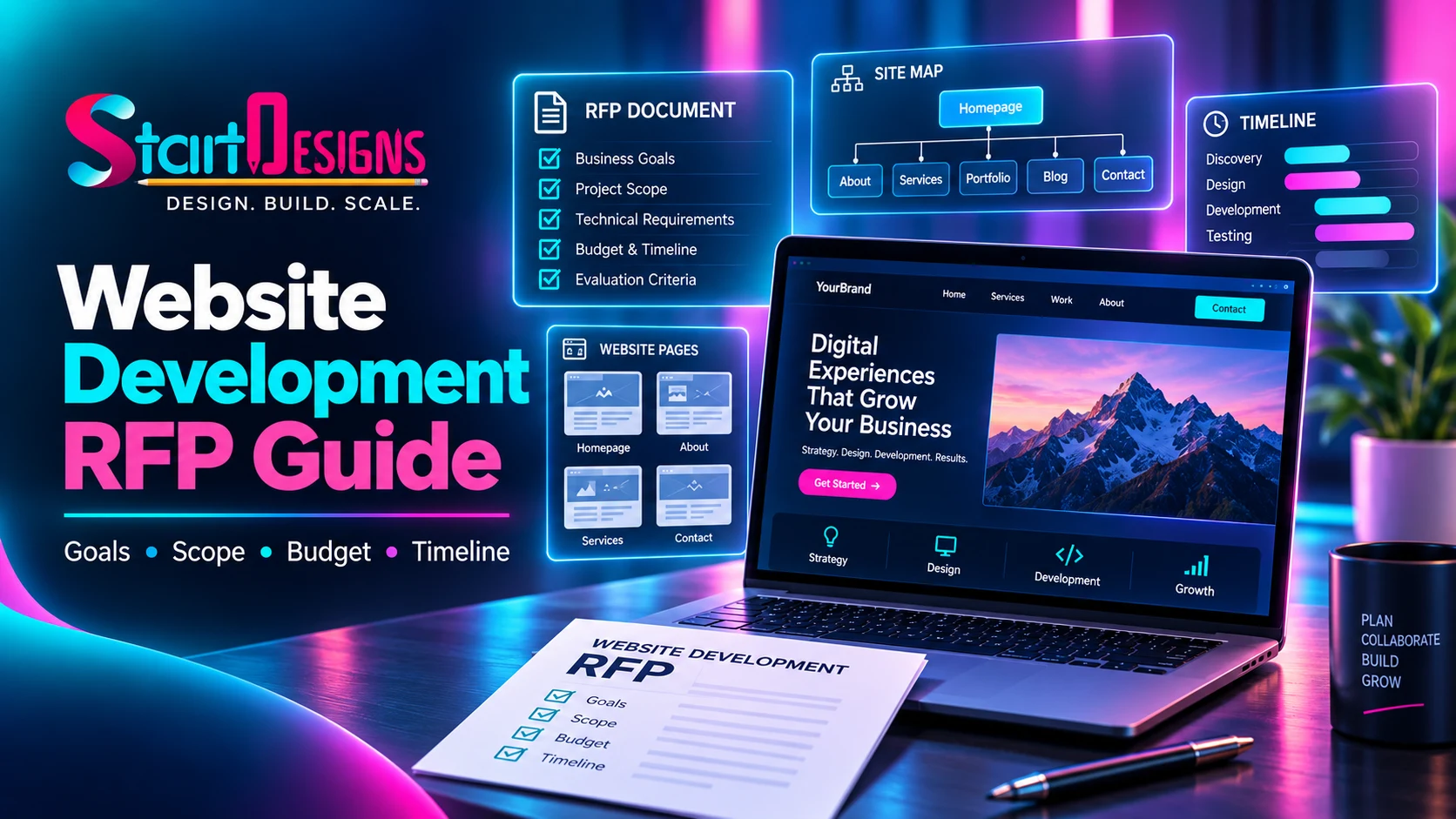
How to Write a Website Development RFP: Complete Guide & Checklist
September 19, 2026- 14 Min Read