


- About us
-
Services
- Back
- Development Services
-

-
-
-
- Designing Services
-
-
-
-
- Marketing Services
-
-
-
-
- Cloud Engineering Services
-
-
-
- ERP
-
-
-
- CRM
-
-
-
- Artificial Intelligence
-

-
-
-
- MVP
-
- Industry
- Portfolio
- Career
- Contact us
-
 info[at]startdesigns.com















The web development landscape in 2025-2026 isn’t just changing; it’s getting a major glow-up. AI isn’t some niche toy anymore; it’s the MVP (Most Valuable Player) in your workflow, handling everything from design handoffs to security audits. If you’re a developer, designer, or agency owner and you’re not vibing with AI tools for web development, you’re seriously missing out.
A massive industry shift is already here: AI use is now an expectation. Industry data confirms that integrating AI can boost development velocity by over 50%. This frees up mental energy, letting you focus on the creative, complex tasks rather than the boilerplate code grind.
What are AI Web Development Tools?
AI tools for website development are specialized software platforms that utilize sophisticated Machine Learning and Large Language Models (LLMs) to automate, accelerate, and improve the process of building and maintaining web applications. They are designed to cut down on repetitive or manual work across web design, coding, testing, and content workflows.
Where Does AI Stand in Web Development in 2026?
It’s now safe to say that by 2026, AI has evolved from a novelty to an essential utility. The biggest trend isn’t just speed; it’s governance and agentic action. The developer’s role is shifting from a hands-on coder to an AI Orchestrator.
Agentic AI is The Real Deal
Tools are moving beyond simple code suggestions. They are becoming autonomous agents capable of executing multi-step workflows—like writing a component, creating the database schema, and deploying it—all based on a single prompt.
Security Shift-Left
Website development AI is now inherently secure. Leading web design tools are designed to flag vulnerabilities and suggest secure fixes as you type, making real-time security checking the new baseline.
Governance is Non-Negotiable
As AI gains autonomy, the best systems build in transparent audit trails, approval checkpoints, and role-based permissions over AI-generated outputs.
3 Essential Types of AI Web Development Tools
To truly dominate your workflow, you need a balanced stack. We categorize the essential AI tools for web development based on their core function in the modern dev cycle:
Code Assistants & Generators
Writing, suggesting, debugging, and refactoring code. The 2026 focus is on private code training and multi-file context awareness.
Design-to-Code & Frontend Tools
Translating human intent (sketch, prompt, text) into responsive UI code. The focus is on generating clean, standards-compliant, and production-ready code.
QA, Security & Full-Stack Agents
Automated visual testing, real-time vulnerability fixes, and autonomous project planning. The goal is to minimize manual effort and ensure security from day one.
9 Best AI Tools for Web Development in 2025-2026: The Deft Breakdown
Here is the deep dive into the tools that will give you the most juice in the 2026 development cycle.
1. GitHub Copilot Enterprise/X2 (Code Assistant)
Copilot is the OG code assistant, but the Enterprise/X2 version is stacked. It moves far beyond just suggesting the next line of code, functioning more as a truly contextual coding soulmate.
Pros.
The biggest pro is its Enterprise Context. It trains on your private GitHub repos, internal APIs, and documentation. This means its code suggestions are hyper-accurate and adhere to your company’s unique coding standards. Plus, it can auto-generate boilerplate unit tests, saving massive QA time.
Cons.
This level of power comes at a cost. The Enterprise tier can be a pain in the wallet for smaller dev shops. Also, developers need to watch out for code bloat—it’s easy to auto-accept lengthy suggestions without optimizing them first. You always need human oversight.
2. Framer AI (Design-to-Code)
Framer is the tool that bridges the design-to-development gap like no other. You type a prompt—say, “A modern startup landing page for a project management app”—and BAM!—you get a live, responsive website built with clean React code.
Pros.
The pure speed is bonkers. You go from idea to interactive, publishable prototype in under five minutes. For web designers who want to ship live without deep coding knowledge, this is a total game-changer. It creates genuinely stunning, responsive layouts automatically.
Cons.
While the code is clean, complex, non-standard interactions might require manual tweaking after export. Also, you’re working inside the Framer ecosystem, so integrating it with a heavily customized or non-React stack can get messy.
3. Cursor (AI-Native IDE)
This isn’t just an IDE with an AI plugin; it’s an IDE built around generative AI. It treats your entire codebase as one giant document you can literally chat with, debug, and modify using plain English. It’s the future of coding’s cockpit.
Pros.
The seamless integration is the best pro. You can ask the AI to “Find the bug causing the login failure and fix it,” and it will apply the patch directly without you ever leaving the editor. Its architecture gives it superior contextual awareness of file relationships.
Cons.
Because it’s constantly indexing and analyzing large codebases for that chat functionality, it can sometimes be a resource hog. Also, for developers used to simple, lightweight editors, the sheer number of features can feel overwhelming at first.
4. Snyk Code (Security & Auditing)
Snyk shifts security from a post-deployment panic to a real-time process. This tool uses AI to scan every line of code as you write it, flagging vulnerabilities and suggesting the secure fix. No more deployment nightmares!
Pros.
Shift Left Security is huge. By identifying and fixing problems at the moment of creation, you prevent costly breaches later. It provides one-click fixes for many common issues and goes beyond basic linting to find complex flaws in dependencies.
Cons.
Like all static analysis tools, it occasionally produces false positives, flagging code that isn’t truly a security risk, which still requires a developer review. Setting up Snyk across a massive enterprise stack can also be an initial headache.
5. Applitools Ultrafast Grid (QA & Testing)
This is the tool that kills the tedious manual QA testing process. Applitools uses AI to perform visual validation across dozens of browsers and viewports simultaneously. It catches the pixel-perfect stuff.
Pros.
Pixel-Perfect Accuracy. The AI is better at spotting tiny visual errors (like misalignment or overlapping text) than human QA teams. It’s a massive time saver—testing 50 combinations of OS/Browser/Viewport takes minutes, not hours. It also intelligently ignores dynamic elements to ensure stable baselines.
Cons.
It’s primarily visual validation; it’s not functional testing. You still need tools like Cypress or Playwright for full functional logic. Also, it’s a premium tool, generally aimed at mid-to-large enterprises, so the higher cost can be a barrier for smaller teams.
6. Uizard (Design Prototyping)
Uizard is the ultimate design tool for the non-designer or the developer who needs a quick mockup. You can sketch an idea on a napkin, take a photo, and the AI converts it into a high-fidelity, clickable prototype. No more wasting time on mockups.
Pros.
Its speed and accessibility are unmatched for rapid prototyping. It combines powerful generative AI with a simple drag-and-drop interface that’s easy to master, which is perfect for quickly getting client or team buy-in on UI/UX flows.
Cons.
The code/export is generally for mockups or simple projects; it’s not meant for complex, production-ready code like Framer. For applications with highly specific branding, the Autodesigner’s output might be too generic.
7. Hygraph (Agentic CMS)
Hygraph is a top-tier headless CMS that integrates Agentic AI directly into the content workflow. It’s an Agentic CMS that autonomously manages complex content processes, like generating variants or enforcing governance rules.
Pros.
Velocity with Governance. The AI is allowed to move fast while the system maintains transparent audit logs and approval checkpoints. The AI generates content that strictly adheres to the CMS’s structured data models, ensuring consistency—a huge pro for large enterprises.
Cons.
This is a complex headless CMS that requires a developer to set up and manage the content models initially. It’s geared toward large, multi-team content operations and is overkill for a simple blog.
8. Relume (Strategic Blueprinting)
Relume is your project’s architectural blueprint generator. It uses AI to quickly generate sitemaps and wireframes, getting the blueprint of your project nailed down before you write a single line of code. Strategy first, y’all.
Pros.
It enforces structure before style, meaning developers and clients agree on the site architecture before getting sidetracked by aesthetics. It’s fast prototyping for sitemaps, excellent for speeding up the client-facing planning and approval phases.
Cons.
It provides the structure (wireframe/sitemap), but it’s not the final code. You still have to build the final high-fidelity UI/UX. Also, its component library is heavily geared toward the Webflow ecosystem, which can limit its utility for pure code stacks.
9. Amazon Q Developer (Cloud-Native Assistant)
Q Developer is the essential code assistant for anyone living in the AWS ecosystem. It understands AWS APIs, services, and best practices like no other, making cloud development a breeze.
Pros.
Unmatched AWS Integration. It has superior context when coding for AWS services like Lambda, S3, or DynamoDB—it knows the right APIs and parameters instantly. It provides strong security analysis specifically tailored to cloud-native vulnerabilities.
Cons.
While great for AWS, its general-purpose coding suggestions may be less broad than Copilot’s general model. Also, it’s not a standalone, unified experience like Cursor, as it relies on plugins for IDEs.
Final Thoughts: The AI Developer is The Real Deal
In 2026, the term “web developer” really means “AI Orchestrator.”
The power of these AI tools for web development lies not in replacing you, but in giving you superpowers. You use Framer to nail the design structure, Cursor to write the backend logic, and Snyk to ensure it’s airtight and secure.
The developers who master the art of directing these website development AI agents will be the ones creating, shipping, and maintaining complex projects at lightning speed. Get after these 9 tools, and you’ll be crushing it in the future!
About the author


Popular Posts
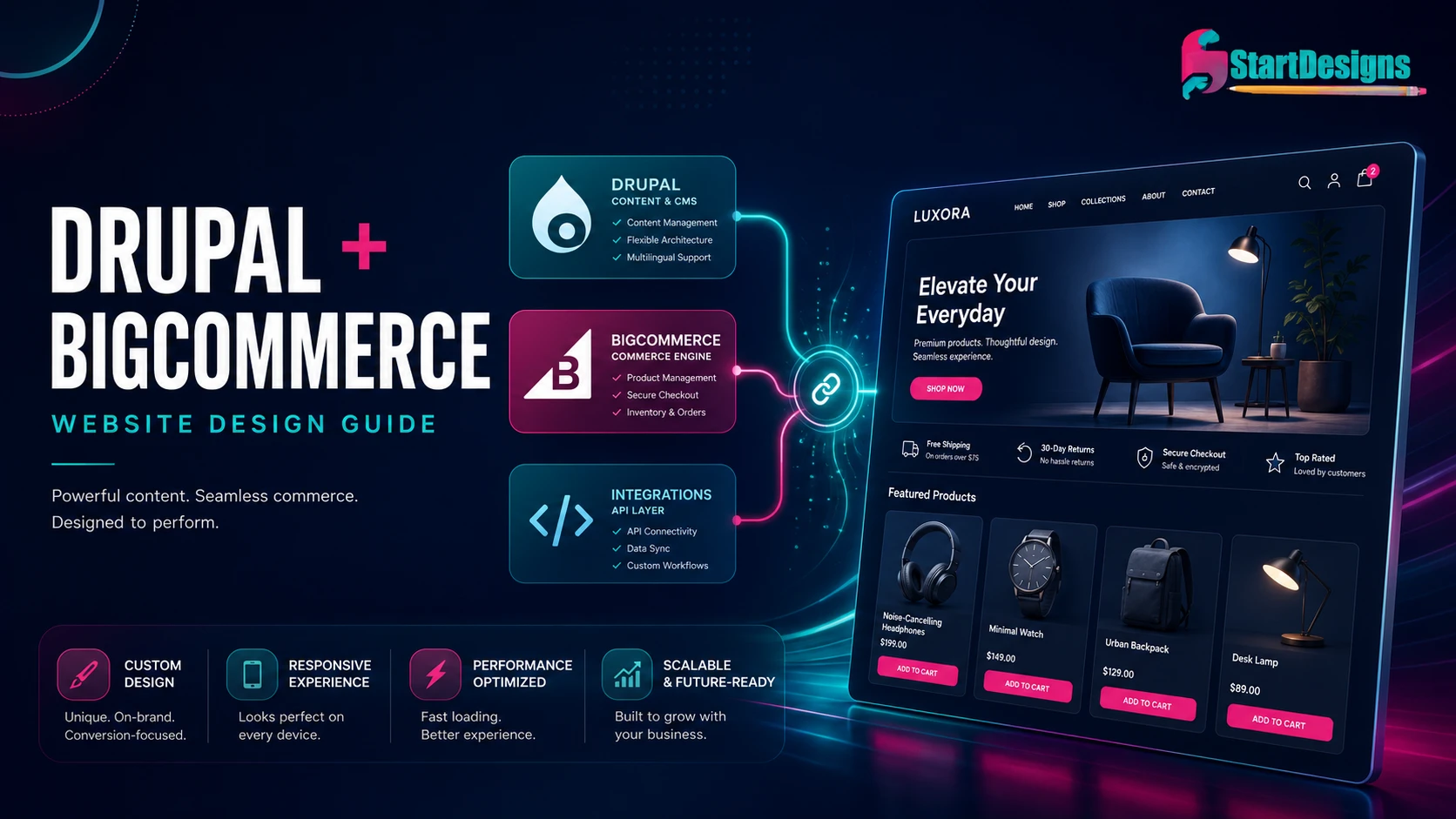
Drupal + BigCommerce Website Design: Architecture, Integration & UX Guide
August 8, 2026- 13 Min Read
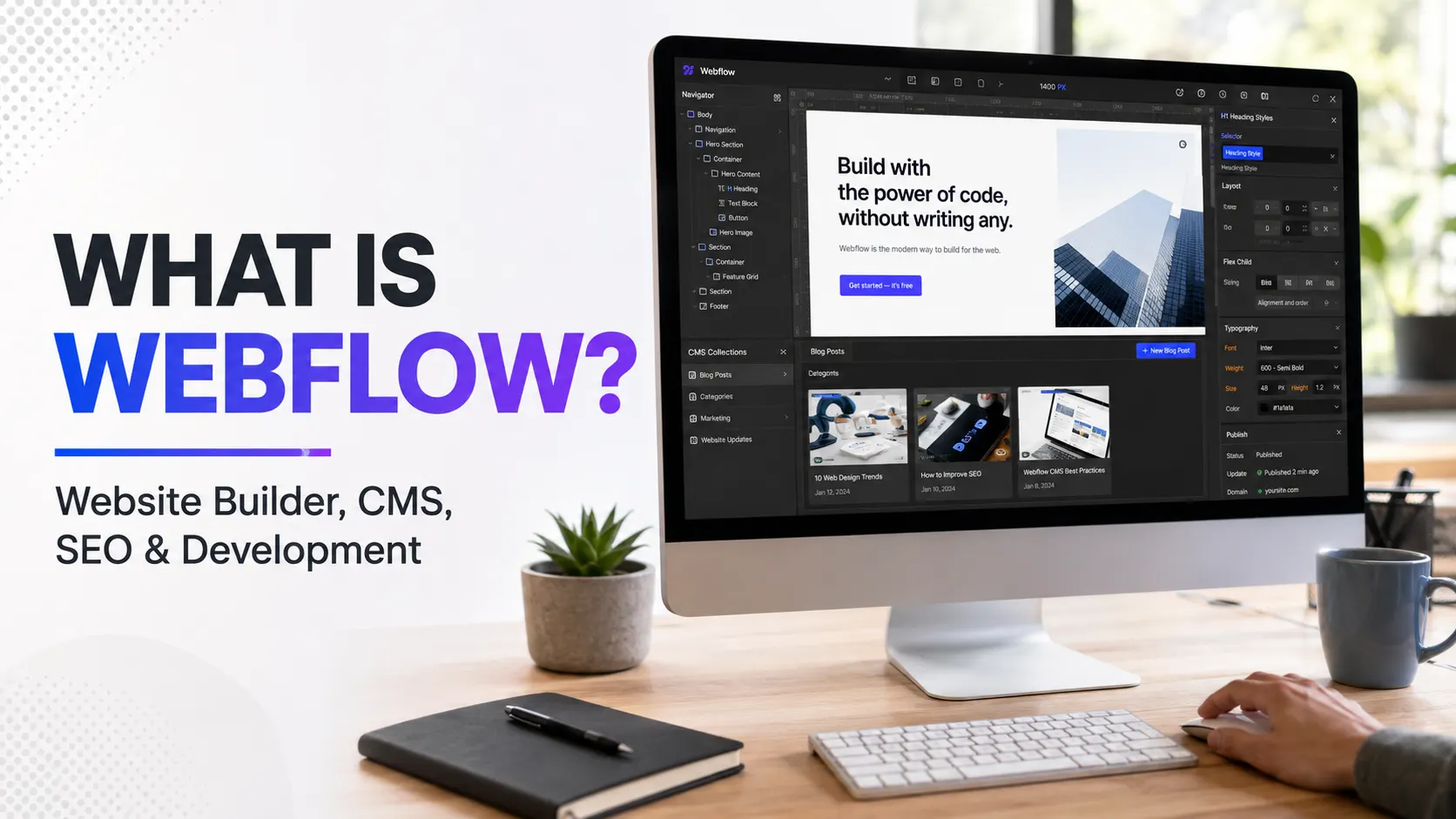
What Is Webflow? Website Builder, CMS, SEO and Development Guide
July 28, 2026- 23 Min Read



